
Batery App Download India – Android APK and iOS Web App Guide
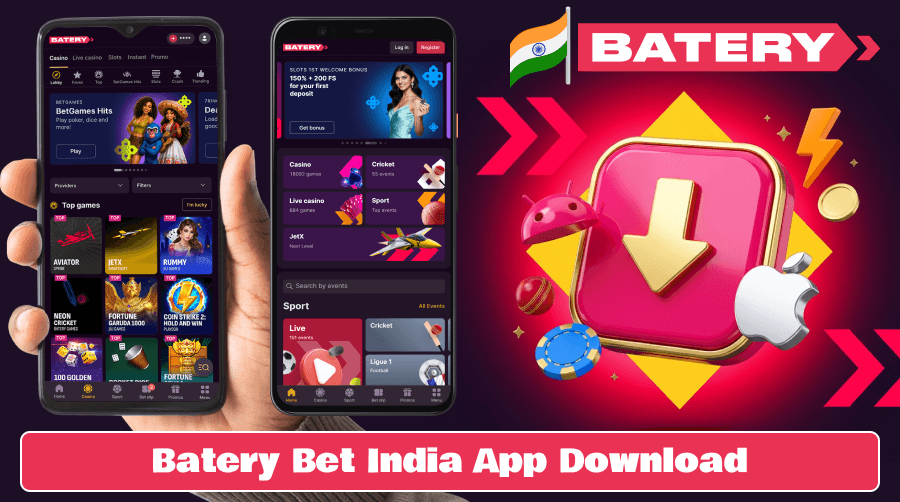
Batery App gives users in India access to sports betting and casino games on mobile devices. The Batery Bet App is installed on Android as an APK file and runs on iOS as a progressive web app (PWA). This guide covers the download process, device requirements, account registration and the main features of the app. The app supports deposits via UPI, PhonePe and Paytm starting at ₹300. Download the Batery App, deposit in Indian rupees (₹) and start playing today.
In this article
- Batery Bet India App Screenshot Gallery
- Batery App at a Glance
- How to Download the Batery APK on Android
- How to Install the Batery Bet App on iPhone
- Why Install the Batery App
- What the Batery Bet App Offers
- Batery Bet App for Android
- Batery App for iOS
- How to Update the Batery Bet App
- Welcome Bonuses for App Users
- Casino Games in the Batery App
- Batery Bet App Features and Tools
- How to Sign Up with the Batery App
- Batery Mobile Site: Play Without Installing
- Deposit and Withdrawal Methods in the Batery Bet App
- Is the Batery App Safe? Licence and Data Protection
- Getting Help Inside the Batery App
- FAQ
Batery Bet India App Screenshot Gallery
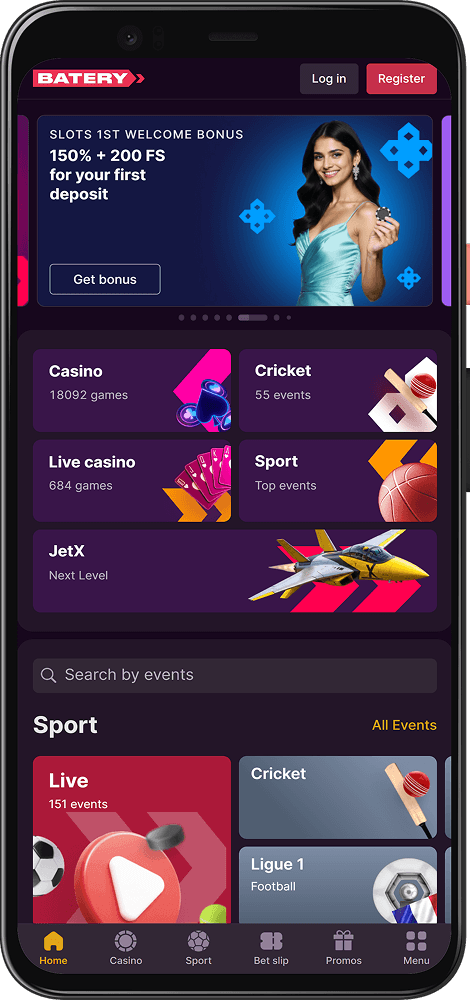
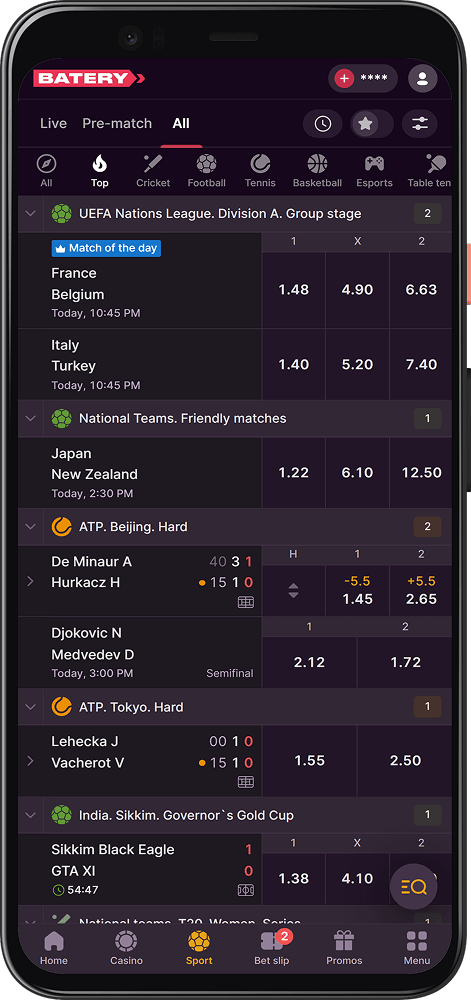
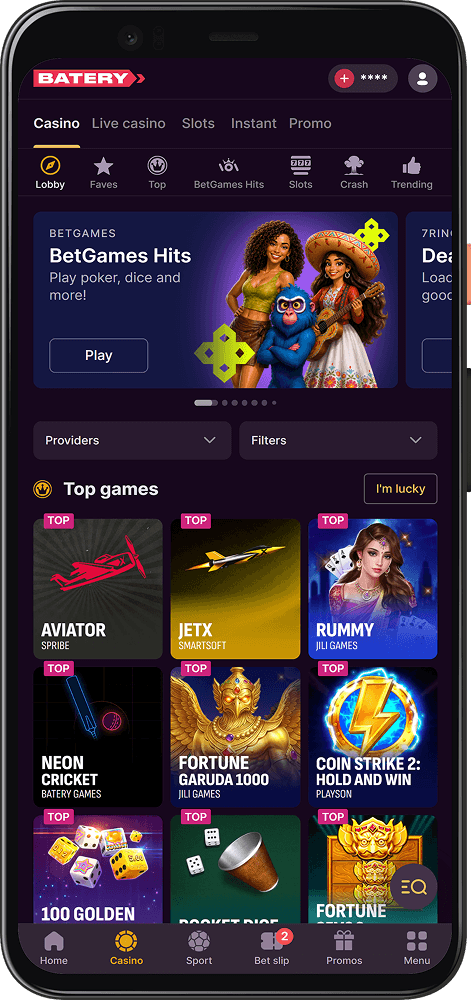
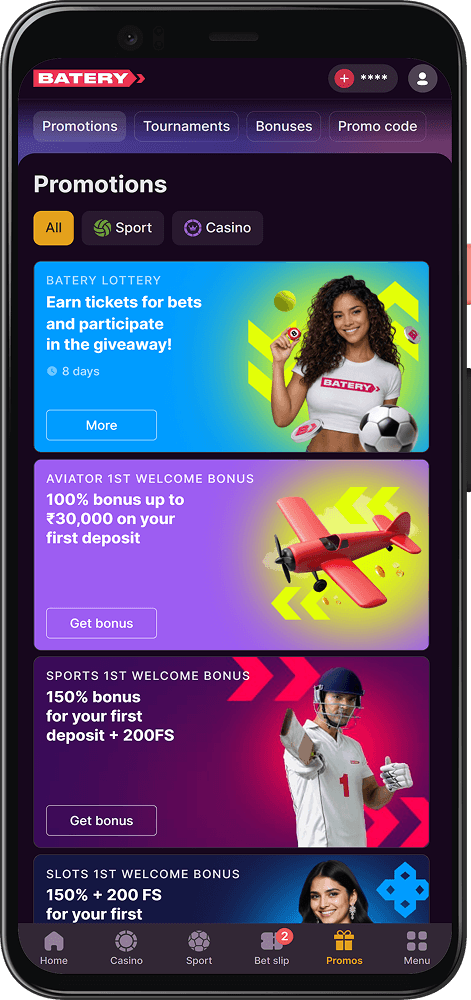
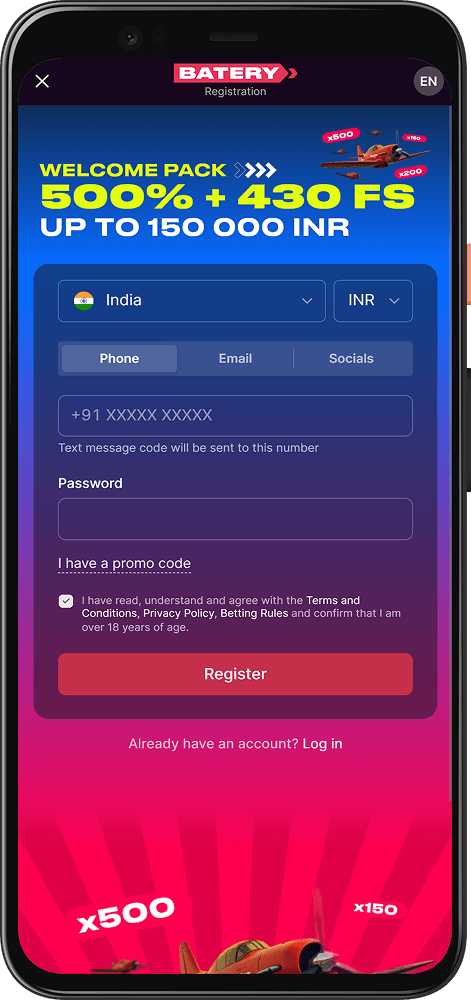
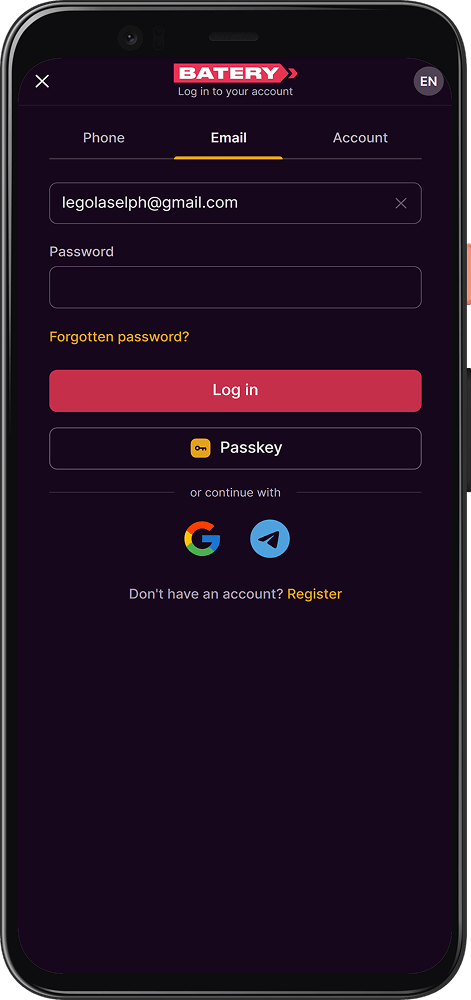
Batery App at a Glance
The main facts about the app are collected in the table below.
| Parameter | Details |
|---|---|
| App name | Batery App / Batery Bet App |
| Platforms | Android (APK), iOS (PWA) |
| Android requirements | Android 5.0+, 50 MB storage, 1 GB RAM |
| iOS requirements | iOS 13.0+, no extra storage |
| Sports | 38 categories, 1,000+ daily events |
| Casino | 8,000+ games |
| Currency | Indian rupee (₹) |
| Minimum deposit | ₹300 |
| Minimum withdrawal | ₹300 (UPI, PhonePe, Paytm), ₹500 (other methods) |
| Welcome bonus | 500% up to ₹150,000 + 430 free spins, or 150% up to ₹30,000 + 200 free spins |
| Support | Live chat and email in Hindi, Bengali and English |
How to Download the Batery APK on Android
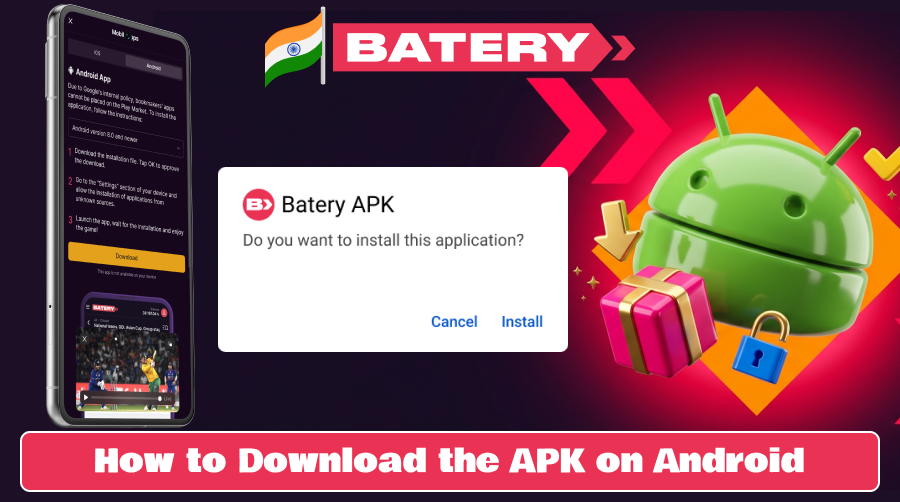
Users in India can install the Batery App on Android in a few steps:
- Open the official website in the Android browser and go to the download section.
- Tap the Android download button to start downloading the APK file.
- Allow installation from unknown sources in the device settings.
- Open the downloaded APK and confirm the installation to finish setting up the Batery Bet App.
Get the APK File
The Batery App APK is available in the download section of the official website. The installation file needs around 50 MB of storage. The app supports Android 5.0 and later, with the best performance on Android 8.1 and newer. Users download the APK directly from the official site and allow installation from unknown sources before setup. One account gives access to both the sportsbook and the casino.
Enable Installation from Unknown Sources
By default, Android blocks the installation of APK files from outside the Google Play Store. To install the Batery Bet App APK from the official website, users need to allow installation from unknown sources. On Android 8.0 and later, the path is Settings → Apps → Special Access → Install Unknown Apps. On Android 7.0 and older, the path is Settings → Security → Unknown Sources.
Wait for the Download to Finish
The download finishes faster over Wi-Fi than over mobile data. The screen should stay on while the Batery App file is downloading. With a stable connection, the process usually takes 2 to 3 minutes.
Open the File and Install
To start the setup, users tap the downloaded APK file. If the system asks for permission to install apps from this source, users grant it in the device settings. The installer then opens the Batery Bet App package. Users tap “Install” and wait about 15 to 30 seconds. When setup is complete, the app icon appears on the Android home screen. Tapping the icon opens the account interface with the sportsbook and casino sections.
How to Install the Batery Bet App on iPhone
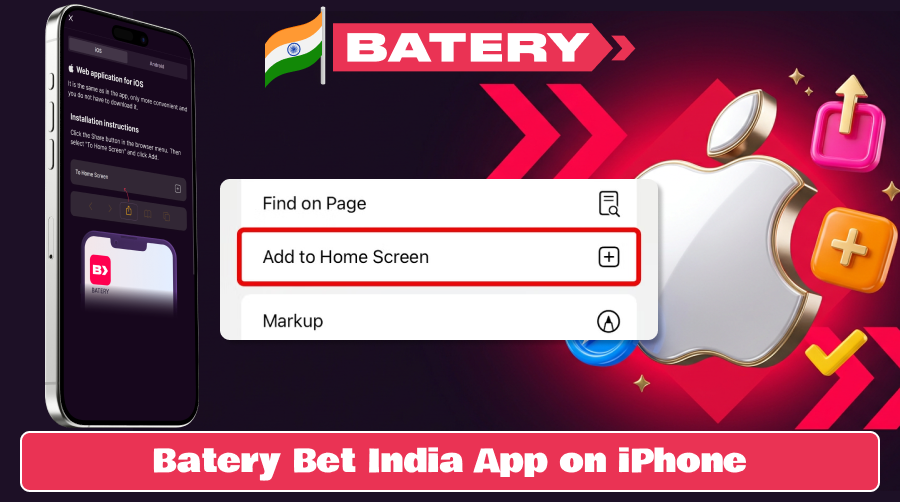
iPhone users install the Batery App as a progressive web app through Safari:
- Open Safari and enter the official Batery website address.
- Tap the Share icon at the bottom of the screen.
- Scroll down and tap “Add to Home Screen”.
- Check the label for the Batery Bet App icon.
- Tap “Add” in the top-right corner to finish the installation.
Open the Share Menu
The Share icon is located at the bottom of the Safari screen. Users tap it and scroll through the available options. The “Add to Home Screen” option in this menu installs the Batery Bet App shortcut as a PWA on iOS devices.
Add Batery to the Home Screen
After choosing “Add to Home Screen”, users can rename the shortcut if needed and confirm the action. The Batery App tile then appears on the home screen. The progressive web app works as the iOS version of the app. Tapping the icon opens the betting and casino sections without navigating through the browser each time.
Why Install the Batery App
The Batery App offers several advantages for users in India who want mobile access to sports betting and casino games:
- One account – a single account covers both the sportsbook and the casino, with no separate registration;
- Cricket focus – dedicated IPL and T20 sections with real-time odds updates;
- Rupee transactions – all payments are made in ₹, and the account balance is shown in Indian rupees;
- Payment options – UPI, PhonePe, Paytm and cryptocurrencies;
- Welcome bonuses – up to 500% and ₹150,000 with 430 free spins over five deposits;
- Local support – live chat and email in Hindi, Bengali and English;
- Small size – the Android app takes about 50 MB of storage.
What the Batery Bet App Offers
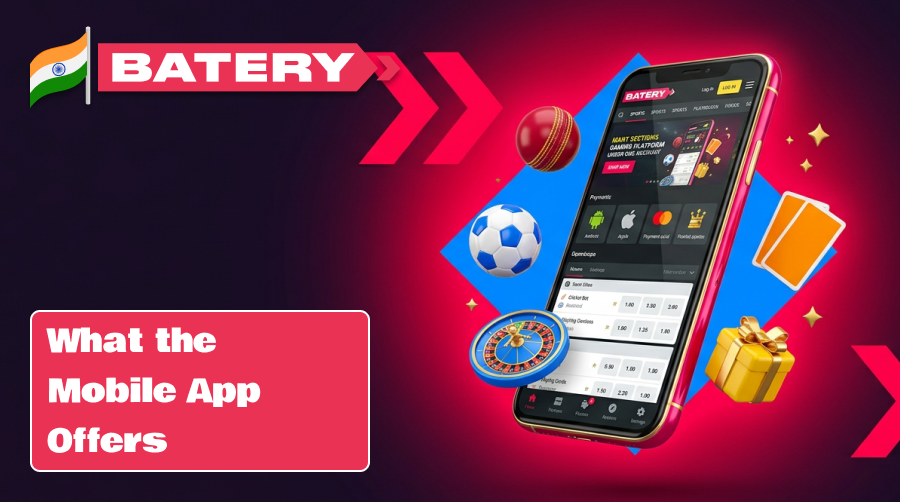
The Batery Bet App from Batery Bet India combines several sections under one account. Users get access to 38 sports categories and more than 1,000 daily events, with a separate cricket section for IPL and T20 matches. The casino offers more than 8,000 games, including slots, Andar Bahar and live roulette. Promotions appear in the account interface, and deposits can be made via UPI, PhonePe, Paytm, cards and cryptocurrency. The main sections are described in more detail below.
Betting Markets
The Batery Bet App covers 38 sports categories with thousands of events across different competition formats. Cricket has its own section with markets for the Indian Premier League, T20 tournaments and international Test matches. Football covers major European leagues and continental cups, while tennis includes Grand Slam events and ATP matches. Basketball offers NBA and EuroLeague games. Esports covers Dota 2, League of Legends and Counter-Strike competitions. Pre-match markets stay open until each event starts, while live markets update odds during the match. Markets include match results, handicaps, totals, player performance and bets tailored to bettors in India.
Low Minimum Deposits and Bets
The Batery Bet App accepts deposits from ₹300, making it easy for new bettors to start. Minimum stakes stay low across most betting markets. This entry point suits new users and fans who want to try cricket, football and other sports without large spending. The minimum withdrawal is ₹300 or ₹500, depending on the payment method. Low-stake options across the interface help users control their spending and try different strategies.
Batery Bet App for Android
The Batery Bet App for Android gives access to the sportsbook and casino, and its 50 MB installation file downloads quickly even on older devices. The requirements for Android smartphones and tablets are listed in the table below.
| Specification | Requirement |
|---|---|
| Operating system | Android 5.0 or higher |
| Recommended version | Android 8.1 or higher |
| Storage space | 50 MB |
| RAM | 1 GB minimum |
| Download source | Official APK from the website |
Minimum Android Requirements
The Batery App runs on Android 5.0 through Android 10 and later. Android 8.1 and newer versions provide the best performance across all sections. The installation needs about 50 MB of storage and at least 1 GB of RAM. These specs affect how quickly the app loads events and opens selected markets. Devices on Android 8.1 and later handle navigation and updates faster than those on Android 5.0 to 7.0. Devices that do not meet these requirements can use the mobile browser version, which gives full account access without installation.
Recommended Android Phones
Smartphone models popular in India run the Batery Bet App without issues. Redmi Note and Realme phones handle the app smoothly. Samsung Galaxy A-series and OnePlus Nord models also run it with ease. These devices meet the Android 5.0 requirement and have enough space for the 50 MB file. A minimum of 1 GB of RAM is needed for stable performance. Users can download the APK from the official website and install it in a few minutes.
Batery App for iOS
The Batery App works as a progressive web app for iOS users in India: no App Store download is needed, and the PWA offers the same betting and casino features as the Android version. The key details are listed below.
| Feature | Details |
|---|---|
| iOS version | iOS 13.0 or later |
| Supported devices | iPhone, iPad, iPod Touch |
| Installation method | Add to Home Screen from the browser |
| Application type | Progressive Web App |
| Storage | No extra space required |
| Updates | Automatic through the browser |
iPhone and iPad Requirements
Apple devices need iOS 13.0 or later to run the Batery Bet App as a progressive web app. Safari provides the browser environment needed to install the PWA. A stable internet connection keeps all sections running. After it is saved to the home screen, the PWA looks and works like a native app. Updates install automatically through the browser.
Tested iOS Devices
Various iPhone and iPad models ran the web app without issues in tests. Devices such as the iPhone 8, iPhone X and iPad Air 2 handled the Batery App in reviews in early 2026. Newer models such as the iPhone 13, iPhone 14 and iPad Pro with the M1 chip also kept a stable connection. The web app opens in Safari, and users can add a home screen shortcut for faster access to betting markets and casino sections.
How to Update the Batery Bet App
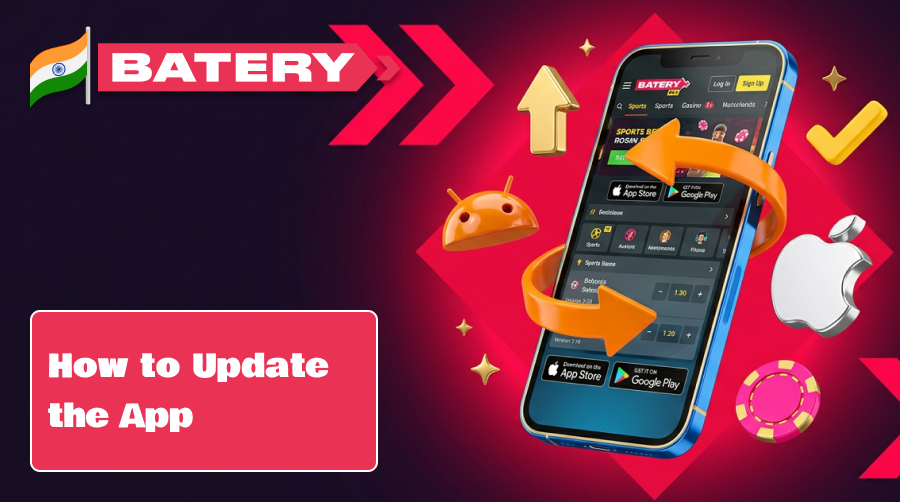
Android users update the app in a few steps:
- Tap the update notification inside the app or download the latest APK from the official website.
- Install the new version over the current one.
- Check that the app version number has increased.
On iOS, the PWA updates automatically in the browser without any manual action. After an update, users may notice changes in the interface, odds display, payment options and promotional banners.
Welcome Bonuses for App Users
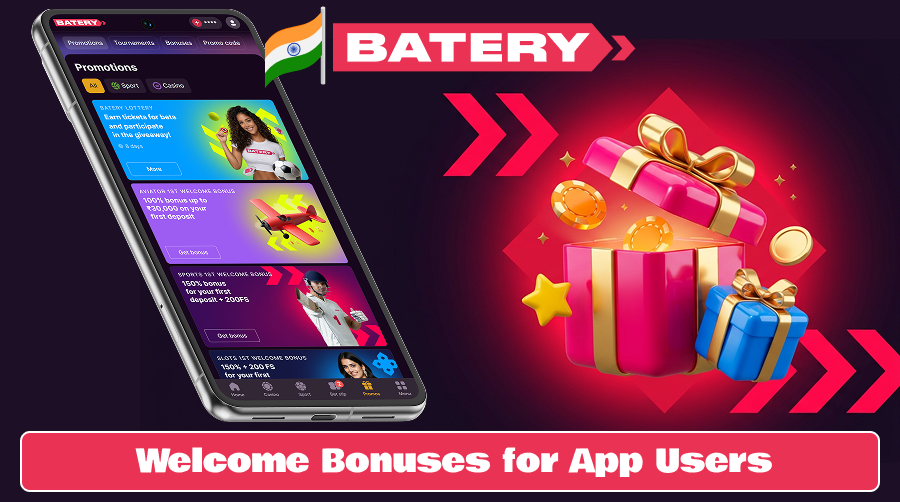
New users who register through the app can choose between two welcome packages. The first offers 500% across the first five deposits up to ₹150,000 in total, plus 430 free spins. The second offers a 150% bonus up to ₹30,000, plus 200 free spins. The minimum deposit for either package is ₹300. Both packages are available in the Batery App on Android and iOS. The 500% package is credited across several deposits rather than in one transaction, and free spins are valid on selected slot games. Wagering requirements are 10x at minimum odds of 2.00 for sports bonuses and 45x on slots for casino bonuses. Registration and account verification must be completed before the bonus is activated. Promotion details are shown in the account dashboard.
Casino Games in the Batery App
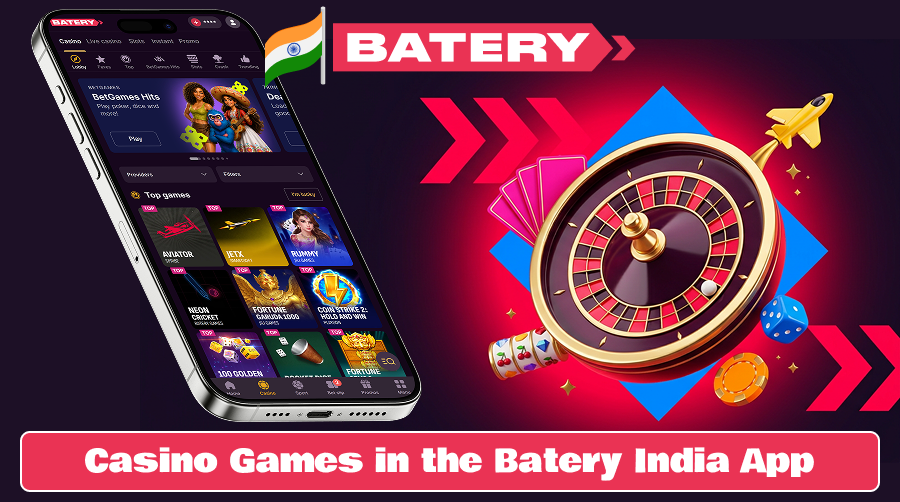
The Batery App offers more than 8,000 casino games, grouped into categories in the navigation menu:
- Slots – the largest category, with video slots on themes from adventure to mythology;
- Indian card games – Andar Bahar and Teen Patti for players who prefer traditional games;
- Live casino – roulette, blackjack and other dealer-hosted games streamed from studios;
- Crash games – Aviator, JetX and other multiplier-based titles;
- Table classics – roulette, blackjack and baccarat without a live dealer.
Players can browse each category with filters and search. The casino uses the same account balance and interface as the sportsbook, so switching between sections takes one tap.
Batery Bet App Features and Tools
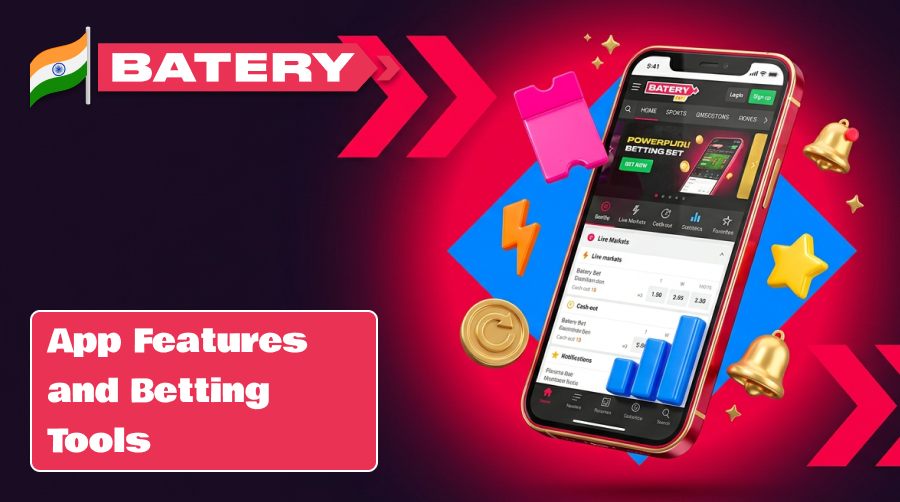
The Batery Bet App offers six tools for betting on matches and tournaments:
- Betslip – collects selected outcomes and shows the combined odds for accumulators and system bets;
- Pre-match and live markets – upcoming events and odds that update as matches unfold;
- Cash-out – settles a bet early to secure a return before the final result;
- Statistics center – data on teams, opponents and previous results for analysing upcoming events;
- Favorites – saves frequently visited competitions and markets for faster access;
- Push notifications – alerts about match starts, odds changes and promotions.
All six tools work in one interface on Android and iOS and are linked to the account balance and transaction history.
How to Sign Up with the Batery App
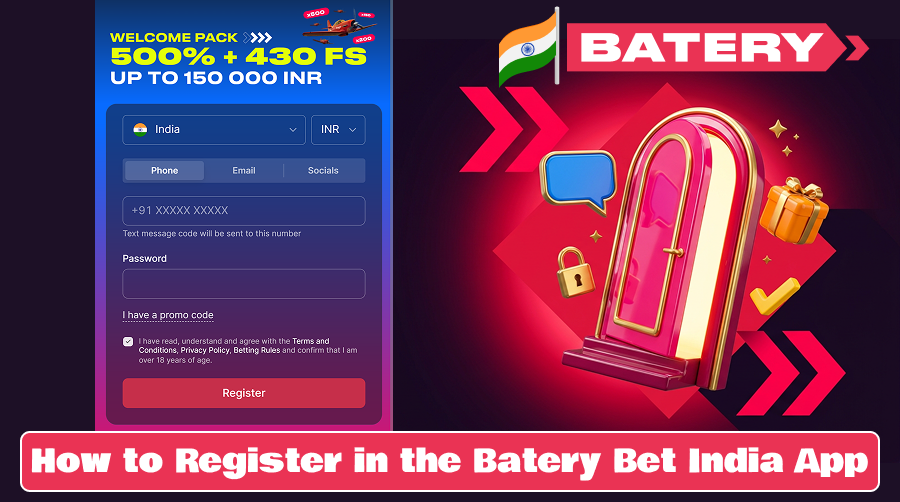
Registration in the Batery App takes a few minutes and gives access to all its features:
- Open the installed app and tap the registration button on the main screen.
- Select India as the country and Indian rupees (₹) as the account currency.
- Enter a mobile number and create a password that meets the requirements.
- Confirm the phone number with the SMS code.
- Log in to the account and open the available sections.
Batery Mobile Site: Play Without Installing
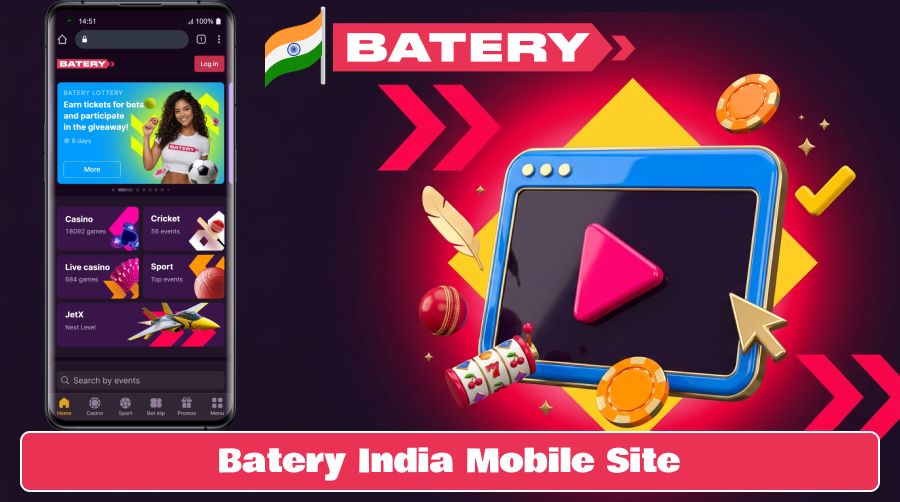
Users in India can access the sportsbook and casino through the mobile browser without downloading the Batery App. The mobile site offers everything available in the app, including sports betting, cricket events, slots, live dealer games and account management. This option suits Android phones and tablets with limited storage. Devices that lack 50 MB of free space or run Android versions below the recommended 8.1 can still open the mobile site in Chrome or Safari. Users can log in or register directly in the browser.
Deposit and Withdrawal Methods in the Batery Bet App
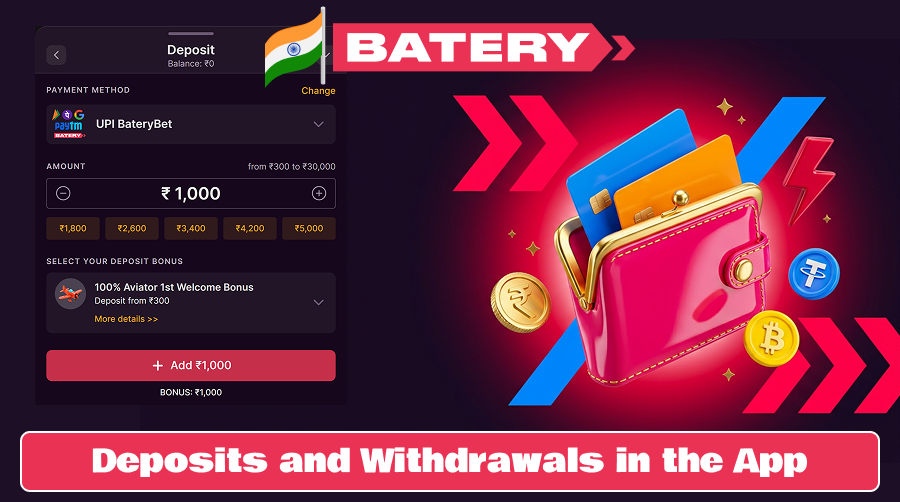
The Batery Bet App supports popular Indian payment methods as well as cards, e-wallets and cryptocurrency. Limits and processing times are shown below.
| Payment Method | Minimum Deposit | Minimum Withdrawal | Processing Time |
|---|---|---|---|
| UPI | ₹300 | ₹300 | Up to 5 minutes |
| PhonePe | ₹300 | ₹300 | Up to 5 minutes |
| Paytm | ₹300 | ₹300 | Up to 5 minutes |
| Credit cards | ₹300 | ₹500 | Up to 15 minutes |
| Debit cards | ₹300 | ₹500 | Up to 15 minutes |
| E-wallets | ₹300 | ₹500 | Up to 30 minutes |
| Bitcoin | ₹300 | ₹500 | Up to 60 minutes |
| Tether | ₹300 | ₹500 | Up to 60 minutes |
Processing times depend on the method and the bank, but most deposits are completed within minutes. In some cases, withdrawals can take up to 72 hours.
Is the Batery App Safe? Licence and Data Protection
Users log in to the Batery App with a phone number and password to access their balance and personal details. Updates are delivered through app notifications, which keeps security measures up to date without reinstalling the app. Payment details and personal data in user profiles are protected. The Batery Bet App processes transactions through payment gateways, so banking details are not stored in the app itself. Withdrawals require account verification to confirm ownership before funds are transferred. Privacy questions are handled by email support, and users can control app notifications in their device settings.
Getting Help Inside the Batery App
The Batery App offers two support channels for users in India. Live chat is built into the mobile interface and connects users with an agent in about five minutes on average. Email support at [email protected] replies within 24 hours. Support is available in Hindi, Bengali and English, and users can switch languages in account settings. The chat appears on every screen as a floating icon. Email requests should include the registered phone number and account currency for verification. Both channels handle account, verification, transaction and promotion questions around the clock. Response times may be longer during peak hours.
FAQ
How can I download the Batery App on Android?
Users download the APK from the official website, allow installation from unknown sources in the device settings and install the Batery App.
Is it possible to use the Batery Bet App on an iPhone in India?
Yes, iPhone users in India can open the Batery Bet App in Safari as a progressive web app and add it to the home screen.
What payment methods are best for Indian users?
UPI, PhonePe and Paytm are the most convenient methods for deposits and withdrawals in the Batery App, with a ₹300 minimum and processing in up to 5 minutes.
Do Batery App users get a welcome bonus?
Yes, app users can choose between 500% up to ₹150,000 with 430 free spins over five deposits and 150% up to ₹30,000 with 200 free spins. The minimum deposit is ₹300, and the wagering terms of each offer apply.
Can I place bets on the IPL and other cricket leagues using the Batery Bet App?
Yes, the app offers IPL and other cricket markets, including match winner, player runs and live betting across tournaments.
How quickly can I withdraw money from the Batery App in India?
Withdrawals via UPI, PhonePe and Paytm take up to 5 minutes, cards up to 15 minutes and cryptocurrency up to 60 minutes. Depending on the method and account verification status, processing can take up to 72 hours in some cases.